 Tony Passwater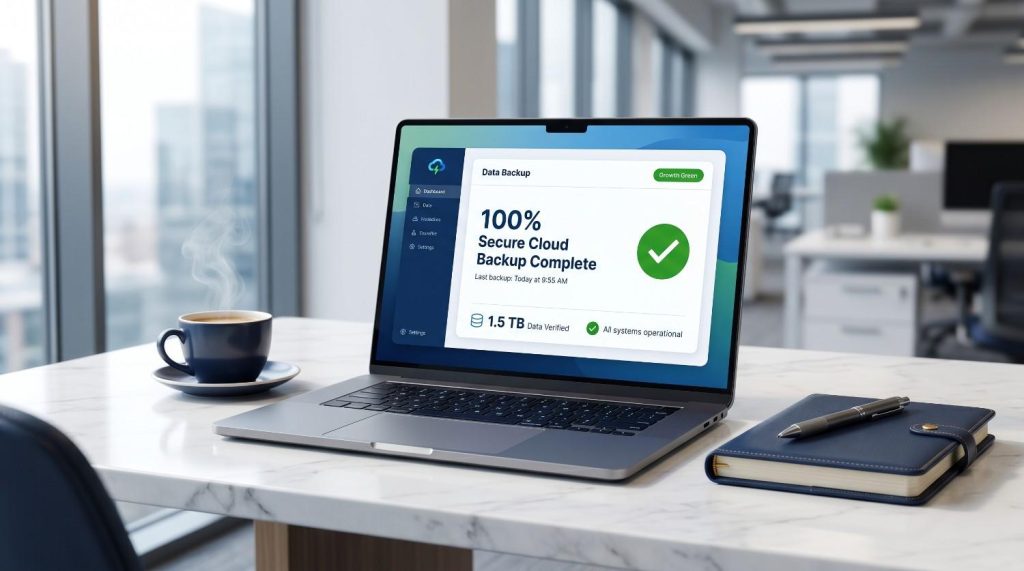
Ransomware Protection & Small Business Data Backup
Protecting Your Operations, Financial Ledgers, and Proprietary Customer Data
Of course, it will never happen to you… right? But small business owners who have experienced a catastrophic system loss know exactly how much it costs in money, time, and sheer frustration when they are caught unprepared.
What am I referring to? I am talking about when your local computer system crashes, an employee accidentally deletes an important accounting directory, your network gets infected with a Ransomware Virus, or local server files are compromised. These events occur daily across the industry, and when they do, the loss of unbacked data can be completely devastating and legally unrecoverable.
This small, often-ignored area of your IT infrastructure can essentially bring your entire operation to a standstill. Yet, most collision shop owners never think about the operational and financial consequences until they are actively locked out of their databases.
While there are hundreds of data storage products available on the market, understanding where to start is critical to building a truly resilient recovery plan.
The Old Way Never Worked
Historically, small businesses relied on tape backup systems, manual external hard drive copies, or thumb drive transfers. Unfortunately, these hardware-based methods are rarely executed with the absolute daily discipline required to protect a growing business.
These legacy systems rely entirely on human intervention. More importantly, they require someone to physically take the backup media off-site every evening. If your backup drive is plugged into your office server during a local electrical fire, water leak, or break-in, your primary data and your backup data will perish together.
Let’s face it — relying on manual processes to protect your most valuable business assets is a recipe for disaster. It simply doesn’t happen consistently.
Cheap is Not the Best Option
If you search online for cloud backup options, you will find thousands of generic products offering basic storage space.
Some solutions utilize localized “backup appliances.” These units act like hardware servers, copying data locally in near-real-time before syncing to the cloud. While robust, these systems are exceptionally expensive and are designed for massive IT data centers rather than typical independent service operations.

In recent years, many business owners have attempted to use raw consumer cloud sync folders like Google Drive, Dropbox, or Microsoft OneDrive. Unfortunately, these are “real-time synchronization directories”—not secure, isolated backups. Because they continually sync in real-time, they consume massive local internet bandwidth and can severely degrade software performance. More dangerously, if a Ransomware virus encrypts your local files, the sync folder will immediately upload the encrypted files, instantly destroying your cloud copies as well.
Low-cost, consumer-grade online backup utilities also suffer from slow evening sync speeds and lack professional configurations. Worst of all, when your system crashes and you lose years of critical accounting data, these budget providers leave you completely on your own to figure out the restoration process.
The most secure approach is a professional cloud solution that backs up your files quietly and efficiently every single evening, combined with a dedicated support team to physically handle data restoration when you need it most.
Critical Backup Solutions
We developed our dedicated backup service because we saw too many business owners taking unnecessary risks with their critical data. When a file system crashed, clients had no idea where to find their databases, how to recover lost configurations, or who to call for help.
Our service provides a quiet, professional backup software utility coupled with daily monitoring and a physical restoration team. Whether you need to restore a single, accidentally deleted document or recover from a complete local hardware loss, we handle the entire process from start to finish.

We Manage the Entire Process For You:
Centralized Automation: We consolidate all your critical directories, databases, and image paths to back up quietly and automatically every single evening.
Active Daily Monitoring: Our team reviews every backup log daily to guarantee success, resolving any communication errors before they present a risk.
Multi-Version Recovery: We maintain up to `$7\text{ historical versions}$` of every file. If a database is corrupted or held for ransom, we roll you back cleanly to a healthy, pre-infection state.
Full Restoration Service: You will never be left to parse raw backup directories alone. If you experience a file loss, simply contact us and our technical team will physically restore your files for you at no additional cost.
Protect Your Business Assets Today
The risk of losing, corrupting, or accidentally deleting your historical accounting records, customer files, job photographs, and system databases is simply not worth the gamble.
Key Takeaways:
While there are thousands of standard storage space options, almost none offer active monitoring or dedicated, physical restoration assistance during data recovery.
Consumer-grade real-time syncing folders consume excessive bandwidth, slow down workstation performance, and offer no protection against active Ransomware infections.
Consolidating your critical file directories is a prerequisite to running lightweight, fast, and automated cloud syncs.
The immediate operational and financial risk of catastrophic data loss is infinitely greater than the low monthly cost of premium prevention.
Ensure Your QuickBooks Databases & System Files Are Secure
Our team at AEII, QuickBooks R Us, helps small business owners audit their current local servers, identify critical folder paths, and deploy high-speed automated backup protocols. Let us help you safeguard your business assets.
📅 Book Your Free Backup Audit
Free 30-Min Consultation • No Obligation
We have a large library of helpful QuickBooks Tips & Tricks, you can catch up on past issues by Clicking Here.
We also have a free self-help site with helpful procedures and videos at: QbHelp.us
Thank you, and I look forward to sharing more small business and QuickBooks Tips and Tricks with you in the future…