 Tony Passwater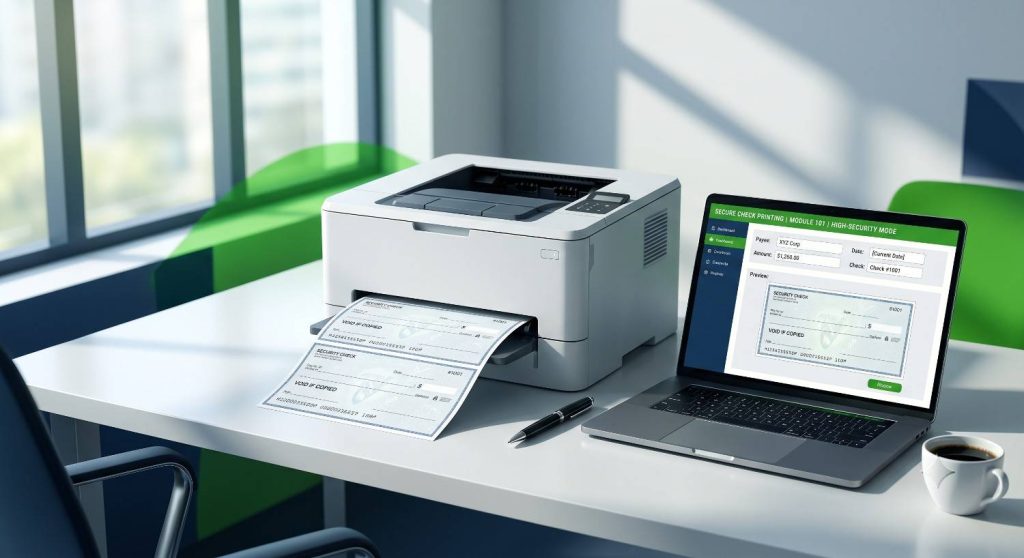
Print Secure QuickBooks Blank Checks
Streamline Your Financial Operations and Mitigate Unnecessary Security Risks
Stop Spending Hundreds of Dollars on Pre-Printed Checks!
If you print your checks out of QuickBooks, you probably are spending hundreds of dollars more than you should. If you have multiple accounts, that waste can easily total thousands of dollars annually.
We have worked with many companies over the years that offered software that allowed printing checks on blank stock, but all of them in the past either charged an expensive upgrade fee when you updated your QuickBooks, or required proprietary blank stock ordered at a higher price than what we have now.
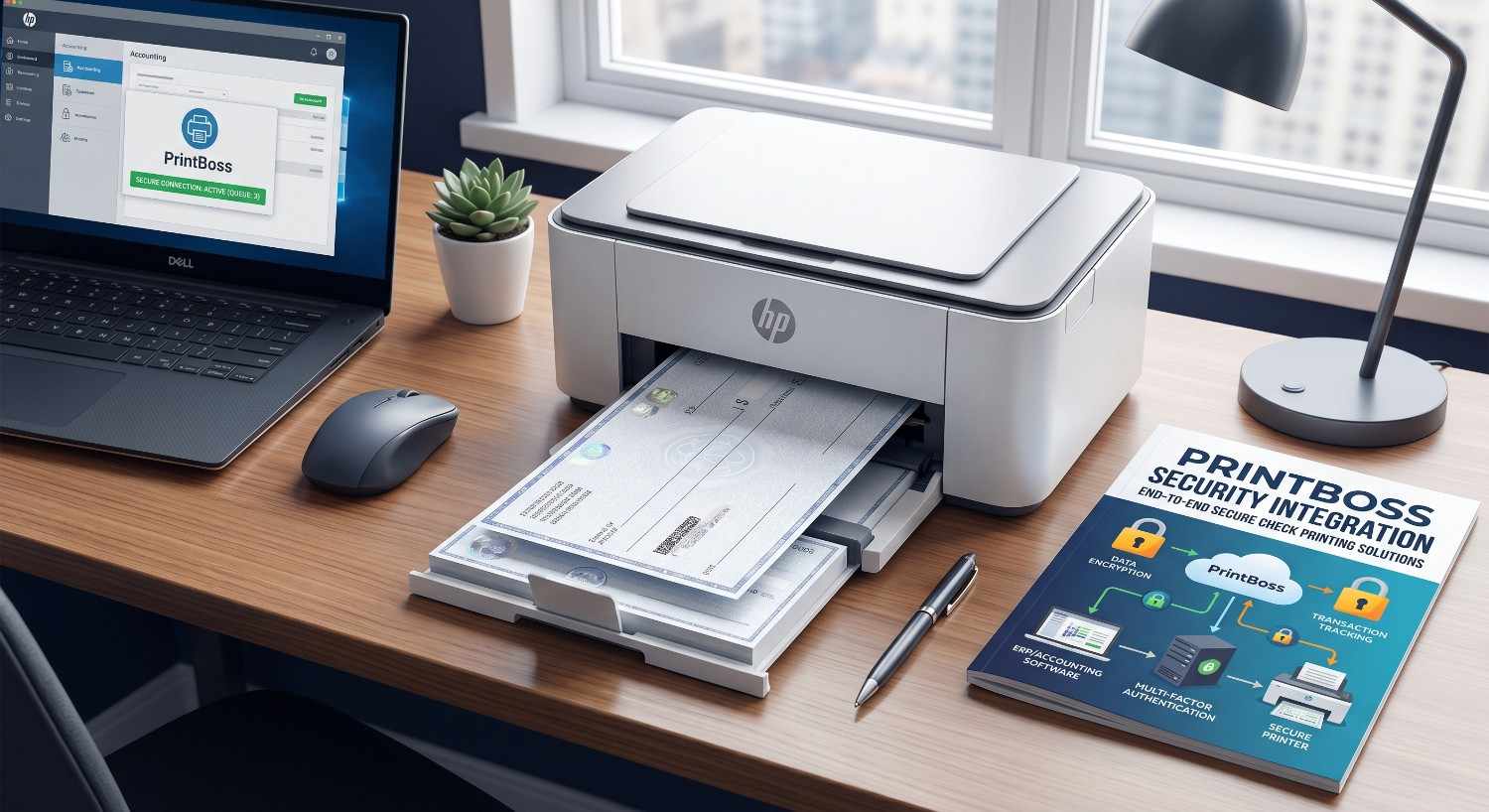
PrintBoss is the best software we have found that integrates perfectly into QuickBooks, and lowers your overall costs at the same time.
Typically we find clients paying $300.00 or more for pre-printed checks for each account they have. That is completely unnecessary drag on your cash flow.
🔒 Unparalleled Security & Cost Savings
This program will also print deposit forms as well and the checks are 75% to 90% less than pre-printed checks. It is also infinitely more secure: if blank check stock is stolen, thieves are left with nothing but blank paper with no banking numbers printed on them!
💳 Explore Secure Check Writing Products
Migrate to high-security blank stock printing instantly with QuickBooks & PrintBoss.
If you have missed our earlier issues of QuickBooks Tips & Tricks, you can catch up on past issues by Clicking Here.
Thank you, and I look forward to sharing more QuickBooks Tips and Tricks with you next month…
📅 Book Your Session Now
Free 30-Min Consultation • No Obligation