
 Tony Passwater
Key Financial Metrics, Retrospective SBA Audits, and PrintBoss Check Integrations
Strengthening Your Cash Reserves & Securing Operations for the Fiscal Year
As we navigate the final stretch of this fiscal year, managing operational margins and maintaining bulletproof accounting systems are top priorities for small business owners. Recent market shifts have proven that financial challenges can emerge from many unexpected variables. It is time to strengthen your understanding of key metrics, secure your data, and optimize your business’s overall health.
In this quick read, we focus on two critical areas: first, the essential financial indicators you must track monthly, and second, a retrospective look at SBA compliance and audit retention guidelines that remain legally binding for many businesses through the current year.
We have also included an advanced product spotlight designed to save your company thousands of dollars annually while drastically increasing check-writing security. Please review these insights, and let us know how we can support your growth.
Sincerely,

Top Five Key Financial Metrics Business Owners Need to Track
Operating a small business is an exhilarating and, at times, overwhelming endeavor. There are so many details to keep track of that it’s easy to lose sight of the core numbers—especially if you didn’t start out as a “numbers person.”
Whether you assemble your financial reports personally or employ a professional to handle them, you must understand your primary metrics and know how they translate to strategic decisions. Below are the top five most critical elements of a healthy monthly financial review, and what to do with the data:
1 Profit and Loss
Every quarter, you should review and analyze your business’s Profit and Loss (P&L) report to understand operational strengths, structural weaknesses, and tax planning implications. The P&L offers an at-a-glance picture of performance, but it must be paired with a fully reconciled Balance Sheet to reveal your true financial health.
2 Budget Versus Actual
Managing future operations by checking your online bank balance daily is a dangerous habit. A robust “Budget vs. Actual” comparison shows exactly whether you are sticking to the plan, where variance is occurring, and how to execute necessary budget pivots.
3 Cash Flow
Cash is the lifeblood of any company. Tracking cash flow alongside your monthly “burn rate” and “runway” protects your business from being caught flatfooted when critical payments are due. If you run out of physical cash, your company is on the verge of sudden cardiac arrest.
Review your fixed burn rate to ensure it isn’t over-leveraged. While signing long-term service contracts can save money, committing to rigid monthly expenses during lean times can restrict your cash position. Consider off-contract arrangements for non-essential services so they can be paused if needed.
📈 Knowing your business “Break-Even Point” is essential. This allows you to map where your daily revenues stand against fixed overhead at any given point in the month.
4 Employee Productivity
While your staff is your most valuable asset, you must ensure that payroll investments generate enough gross margin to justify the expense. Monitor billable hours, direct labor ratios, and individual output rates to ensure everyone is pulling their weight.
5 Ratios & Benchmarks
Use standard metrics to determine overall financial health: the liquidity ratio (cash reserves versus short-term debts), the efficiency ratio (expense required to generate a dollar of revenue), and profitability ratios (gross and net profit margins).
Comparing these numbers against industry-specific averages (such as standard benchmarks for collision repair and auto service shops) shows exactly where you stand. Utilizing clean visual dashboards to track these trends is the most effective way to protect your bottom line.
Retrospective SBA Compliance: Audit Retention Guidelines
Audit Highlight Parameters:
✓
Paycheck Protection Program Loans
✓
Federal Document Retention Audits
✓
SBA Compliance & Record Tracking
✓
The PPP Flexibility Act Regulations
✓
SBA Forgiveness Forms 3508, 3508EZ, & 3508S
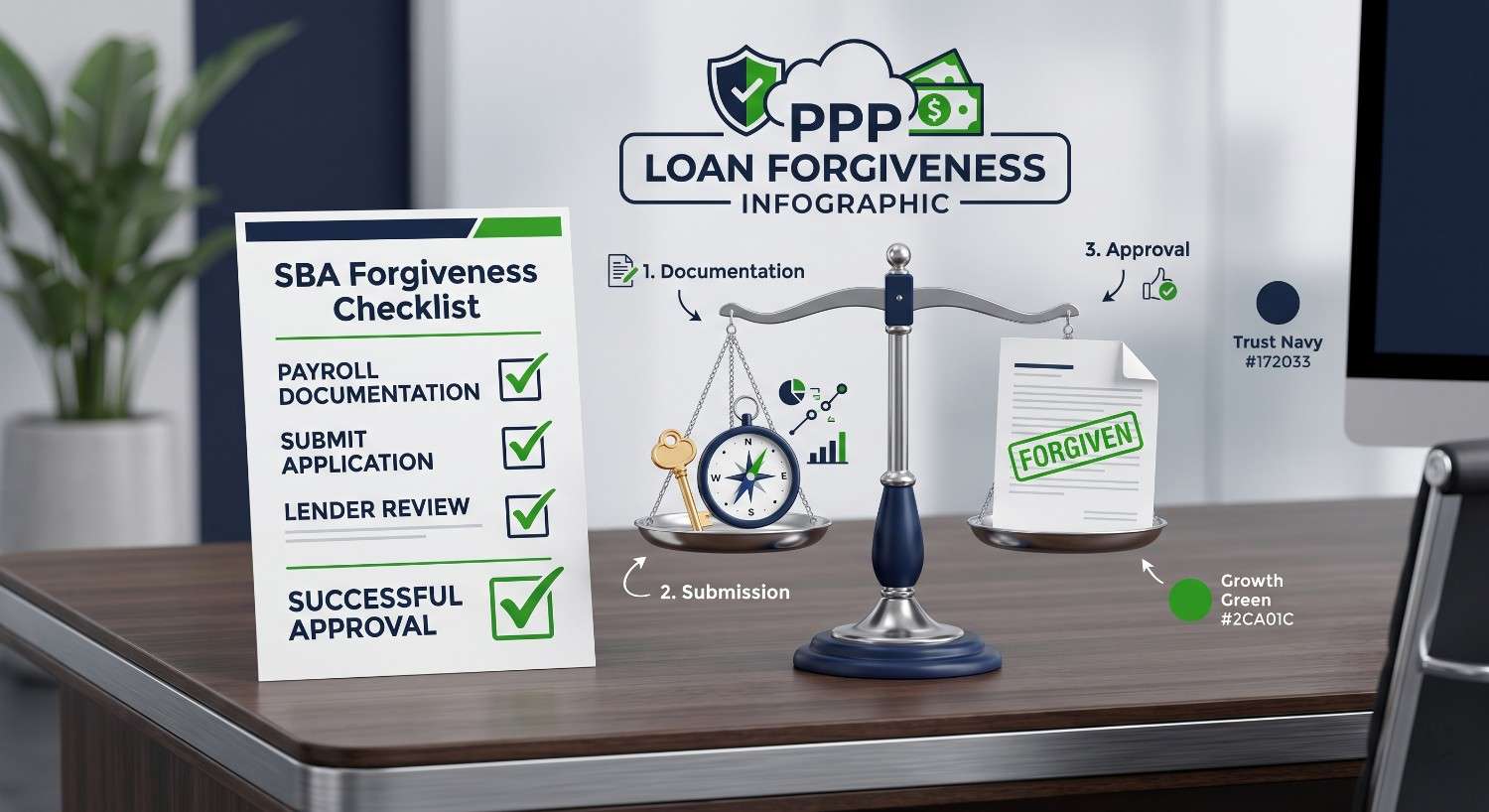
While PPP loans provided critical relief during major economic cycles, the administrative workload did not end with receiving forgiveness. The SBA retains the statutory authority to audit any PPP loan of any size. To protect your business from retrospective audits, understanding your document retention requirements is essential.
The SBA explicitly mandates that borrowers must retain all documentation submitted with their loan application, all records proving the certification of eligibility, and all documents supporting their forgiveness application for $6\text{ years}$ from the date the loan is fully forgiven or repaid. Because many loans were forgiven in late 2020 and throughout 2021, this legal document retention requirement runs directly through 2026 and 2027.
If the SBA conducts a review, you must instantly provide verification of your full-time-equivalent (FTE) employees, wage rates, and payroll ledgers, as well as utility, lease, and mortgage interest payments. If your records are unorganized or missing, the SBA can retroactively disallow forgiveness, demanding full repayment of the principal plus accrued interest.
To ensure compliance, organize your digital files securely. If you are completing outstanding retrospective applications, be aware of the simplified forms developed under the PPP Flexibility Act:
Simplified Forgiveness Form Mappings:
SBA Form 3508S: Can be utilized if your total PPP loan amount was $50,000 or less (unless combined with affiliates totaling over $\$2\text{ million}$). This form exempts you from standard FTE and wage reduction penalties but still requires a full $6\text{-year}$ document archive.
SBA Form 3508EZ: Designed for self-employed individuals with no employees, or companies that did not reduce salaries/wages by more than $25\%$ and maintained regular operating hours.
SBA Form 3508: The standard, comprehensive application required for larger loans, requiring detailed, itemized FTE worksheets.
If your business is currently facing an SBA audit, or if you need assistance organizing historical payroll and tax files to protect your entity, contact our office. We specialize in retroactive file cleanup and audit preparation.
We provide comprehensive audit-support services for small business financial records.
Stop Wasting $$Hundreds on Pre-Printed Checks!
If you are not printing your checks and Deposit Forms directly out of QuickBooks, you are missing out on incredible accuracy, operational convenience, and robust security.
If you are using pre-printed checks, you are likely spending hundreds of dollars more than necessary. If you manage multiple corporate accounts, this waste can easily total thousands of dollars.
Historically, check-printing applications either charged expensive upgrade fees whenever you updated QuickBooks, or required proprietary blank stock sold at premium prices. We have resolved these limitations.
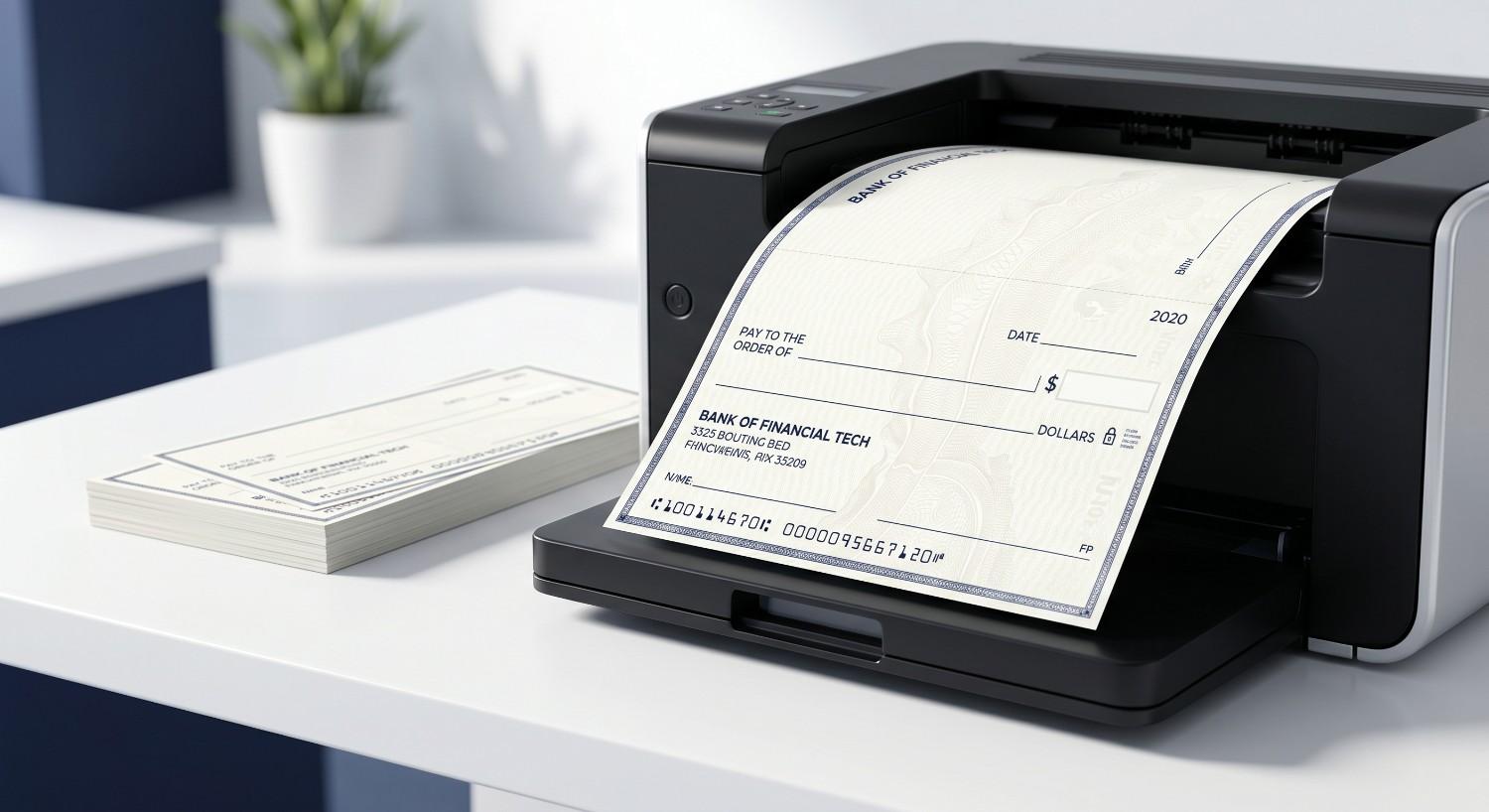
PrintBoss is the most reliable check-printing software we have found. It integrates seamlessly with both QuickBooks Desktop and QuickBooks Online, drastically lowering your overhead. Typically, small businesses pay over $\$300$ for pre-printed checks for each account they manage. Re-ordering those forms is an unnecessary drag on your cash flow.
Deposit Forms Too !!!
PrintBoss prints standard deposit forms on blank paper alongside your checks. This system cuts your print expenses by $75\%$ to $90\%$ compared to pre-printed forms. It is also infinitely more secure: if blank check stock is stolen, thieves are left with nothing but blank paper with no banking numbers printed on them.
The application supports up to $100\text{ bank accounts}$ across multiple corporate company files. It can require passwords before executing any print jobs and automatically remembers the correct bank routing configurations for each file. This is the most cost-effective and secure way to print checks and deposit slips in QuickBooks.
Recommended Printer Solution
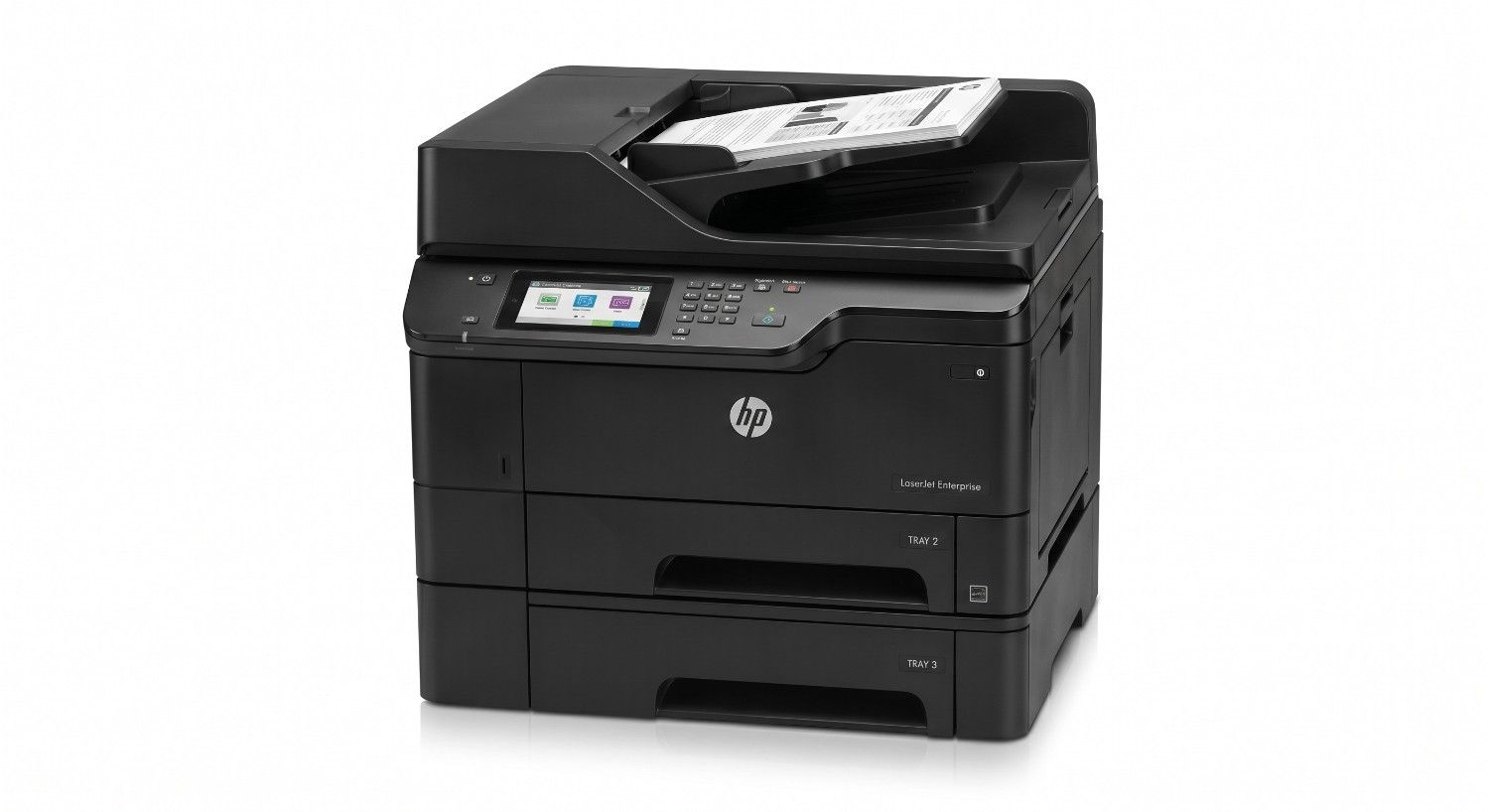
We highly recommend the HP LaserJet Enterprise P3015x Printer to hold both your check stock and deposit form stock simultaneously for flawless, continuous workflows.
Our company, AEII, QuickBooks R Us, specializes in helping small business owners optimize their financial software systems, streamline workflows, and achieve premium results. We support companies globally, and specialize in the collision repair and automotive service industries.
Schedule a free session to discuss your QuickBooks or small business operations below:
📅 Book Your Session Now
Free 30-Min Consultation • No Obligation
We maintain an extensive archive of professional QuickBooks Tips & Tricks. You can browse past editions by Clicking Here.
We also host a free educational portal with practical walkthrough procedures and video guides: QbHelp.us
Thank you, and I look forward to helping you grow your small business operations…